table of contents
When you’re not getting what you paid for on Fansly, it can be frustrating and confusing. This comprehensive guide walks you through every step to resolve content disputes, understand your options, and protect yourself as a buyer.
Understanding Fansly’s Content Policy
Fansly App has specific guidelines about what creators can offer and how they should describe their content. When purchased content doesn’t match its description, you have several options to address the issue.
What Qualifies as Misleading Content
Content may be considered misleading if:
- The actual content differs significantly from the preview or description
- Promised features or elements are missing
- The content quality is substantially lower than advertised
- Custom content requests weren’t fulfilled as agreed
Step-by-Step Guide to Handling Content Disputes
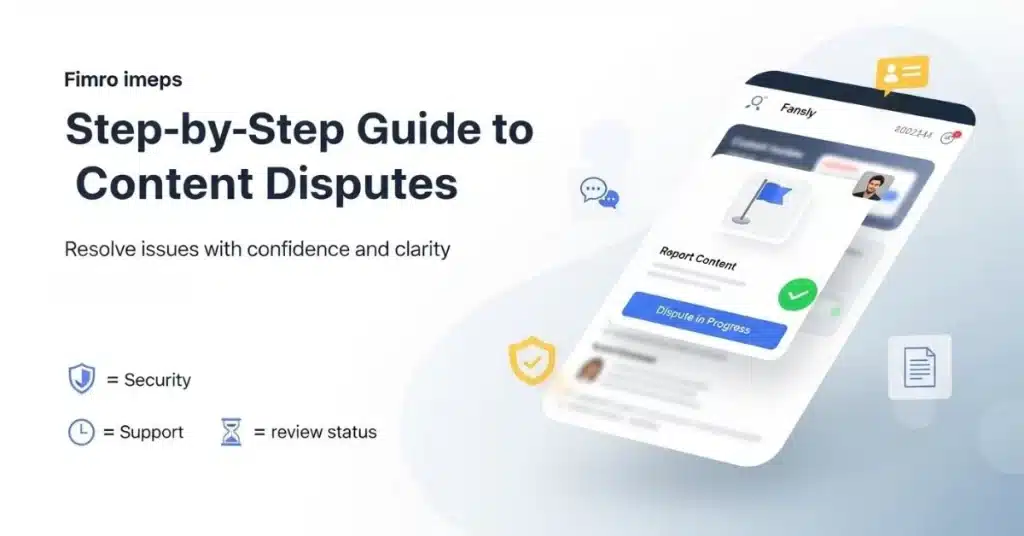
Document Everything First
Before taking any action, gather evidence of your Fansly purchase issue:
- Take screenshots of the original content description
- Save any messages between you and the creator
- Note the date and time of your purchase
- Document what you received versus what was promised
Contact the Creator Directly
Start with direct communication. Many creators want to maintain good relationships with their subscribers and may resolve the issue quickly.
How to approach the creator:
- Be polite and specific about the problem
- Explain exactly what you expected versus what you received
- Give them a reasonable chance to respond (24-48 hours)
- Keep records of all communications
Report a Problem on Fansly
If direct contact doesn’t work, use Fansly’s official reporting system:
- Go to your account settings
- Look for “Report a Problem” or similar options
- Select “Content Dispute” as your issue type
- Provide detailed information about your complaint
Understanding the Fansly Refund Policy
Fansly states that “all purchases and fees associated with your account are considered final and nonrefundable as outlined in our Terms of Service,” but they “reserve the right to review and address refund requests on a case-by-case basis.”
When refunds may be considered:
- Miscommunication about what’s included in paid content (like custom creations, subscription perks, or purchased media)
- Technical issues preventing content delivery
- Clear violations of Fansly’s content guidelines
- Proven cases of misleading advertising
Alternative Resolution Options
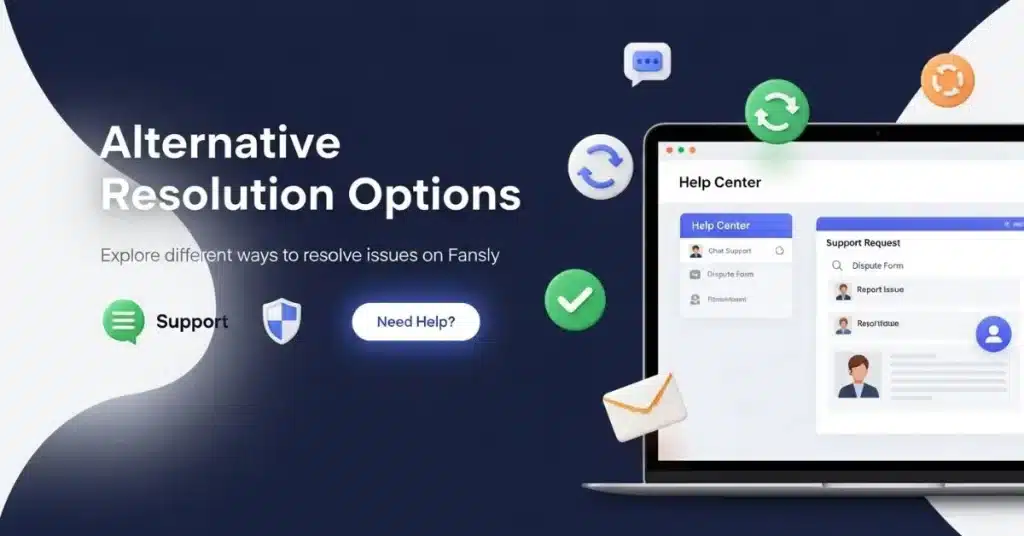
Contact Fansly Support for Bad Content
Fansly’s customer service team can help with content complaints:
- Email: support@fansly.com
- Use their help center contact form
- Explain your situation clearly and provide evidence
- Reference specific policy violations if applicable
Understanding the Fansly Chargeback Guide
A chargeback should be your last resort. Here’s what you need to know:
When to consider a chargeback:
- The creator refuses to communicate
- Fansly support doesn’t respond within a reasonable time
- You have clear evidence of fraud or misrepresentation
- The purchase was unauthorized
Chargeback process:
- Contact your bank or credit card company
- Explain the dispute clearly
- Provide documentation of your attempts to resolve the issue
- Be aware that this may result in account suspension
Fansly Buyer Protection: What You Should Know
While Fansly doesn’t offer traditional buyer protection like e-commerce sites, they do have measures in place:
- Content review systems
- Creator verification processes
- Violation reporting mechanisms
- Case-by-case refund considerations
How to File a Complaint on Fansly
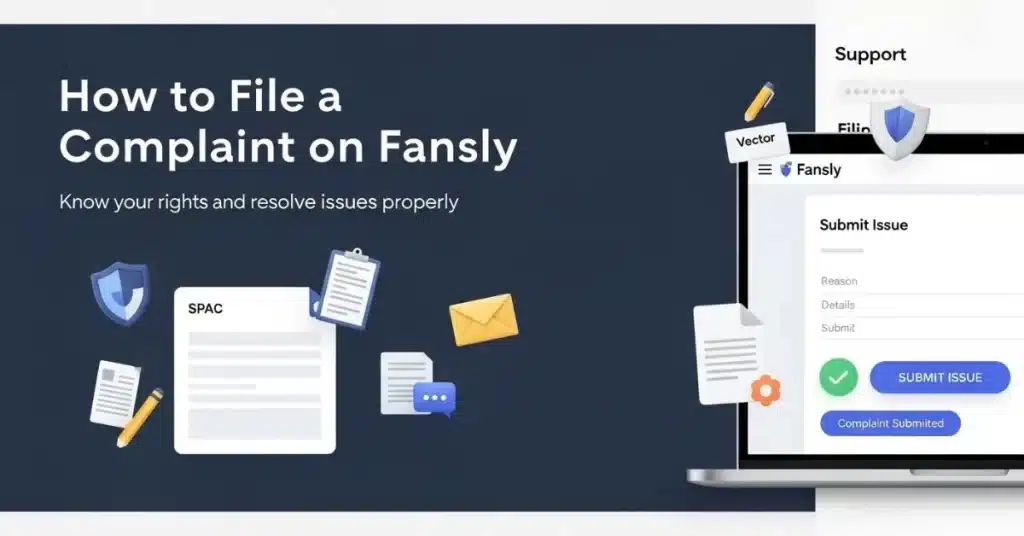
Using the Dispute Center
Fansly has internal systems for handling disputes:
- Access through your account dashboard
- Select “Fansly content dispute” from available options
- Provide detailed information about your issue
- Upload supporting evidence
Fansly Buyer Complaint Process
The formal complaint process typically involves:
- Initial submission of your complaint
- Review by Fansly’s moderation team
- Potential contact with the creator
- Resolution decision within 5-10 business days
Preventing Future Issues
Review Before You Buy
- Read creator descriptions carefully
- Check previous buyer reviews if available
- Look at the preview content to gauge quality
- Understand exactly what’s included in your purchase
Know Your Rights
Understanding Fansly’s terms and conditions for buyers helps you make informed decisions:
- Content access policies
- Refund eligibility criteria
- Dispute resolution procedures
- Account protection measures
When to Escalate Your Fansly Transaction Issue
Red Flags That Require Immediate Action
Report these issues immediately:
- Fake or stolen content
- Creators who consistently mislead buyers
- Violations of Fansly’s content guidelines
- Suspected scams or fraud
Getting Money Back from Fansly: Realistic Expectations
While getting a full refund can be challenging, success rates improve when you:
- Follow proper procedures
- Provide clear evidence
- Communicate professionally
- Use official channels
Advanced Dispute Resolution
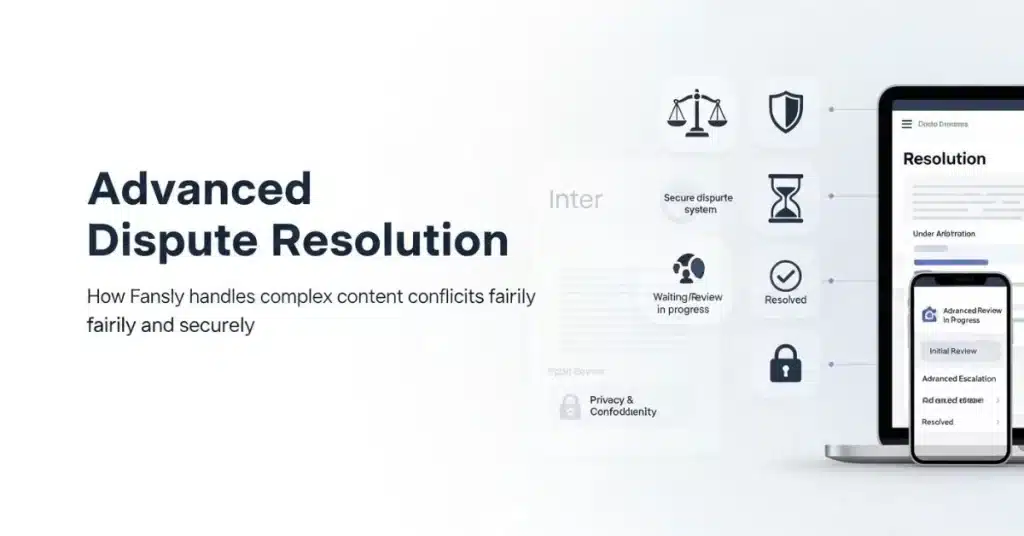
Working with Fansly’s Accountability System
Fansly takes creator accountability seriously. They may:
- Review creator accounts for violations
- Implement warnings or restrictions
- Adjust creator earnings for proven issues
- Provide account credits in some cases
Legal Considerations
In some jurisdictions, consumer protection laws may apply to digital content purchases. Research your local laws if you’re dealing with significant financial losses.
FAQ
Conclusion
Dealing with content that doesn’t match its description on Fansly can be frustrating, but you have options. Start with direct communication, use official reporting channels, and document everything. While Fansly’s refund policy is strict, they do consider legitimate complaints on a case-by-case basis.
Remember that prevention is always better than cure. Take time to review content descriptions, understand what you’re purchasing, and research creators before making significant purchases.
If you’re still not satisfied after following these steps, consider whether the financial amount involved justifies pursuing a chargeback, keeping in mind the potential consequences for your account.
Need immediate help with a Fansly content dispute? Contact Fansly support at support@fansly.com or use their official reporting system through your account dashboard.