table of contents
- Subscription-Based Content:
- One-Time Purchases:
- Live Content:
- On Desktop (Browser)
- On Mobile App
- Still Can’t Find Your Content?
- Desktop Navigation:
- Mobile Navigation:
- What to Look For:
- Important Warnings:
- Subscription Issues:
- Creator-Related Issues:
- Technical Problems:
- Contact Fansly Support:
- Information to Include:
- Response Timeframe:
- Alternative Contact Methods:
- Stay Organized:
- Maximize Your Investment:
- Protect Your Account:
Can’t locate a video, photo, or exclusive content you paid for on Fansly? You’re not alone. This comprehensive guide shows you exactly where to find your purchased content on both desktop and mobile, plus troubleshooting tips when content goes missing.
Quick Answer: Your Fansly Content Library Location
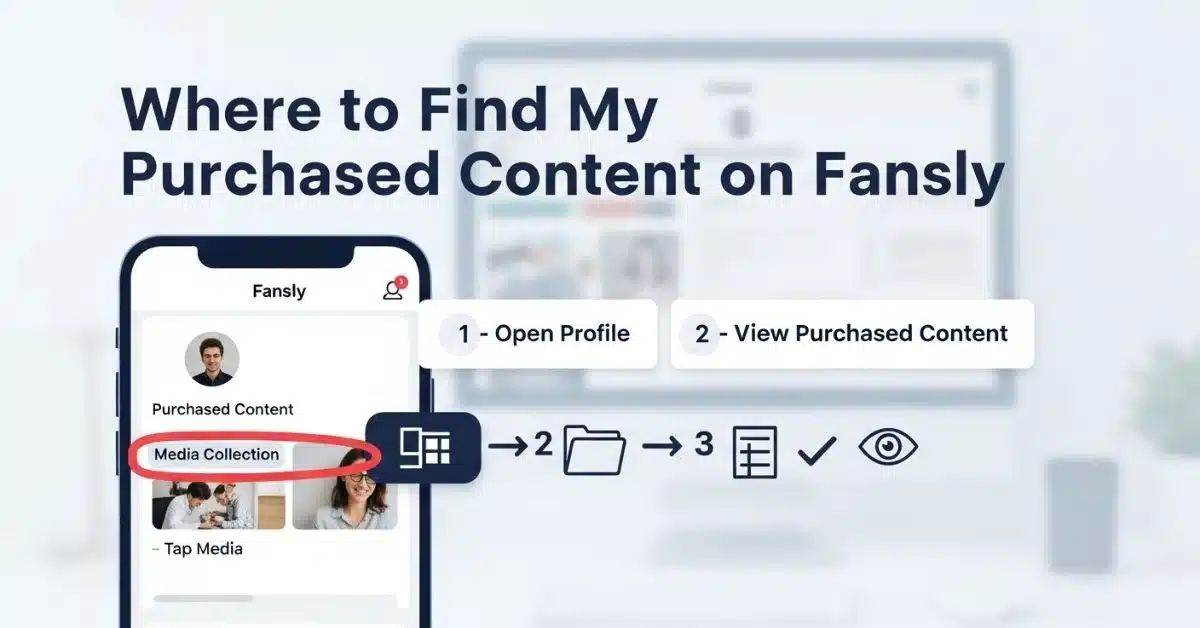
Your purchased content on Fansly is located in the Media Collection tab on your profile page. This is your personal content library where all paid videos, images, and exclusive content are stored for easy access.
What Counts as Purchased Content on Fansly
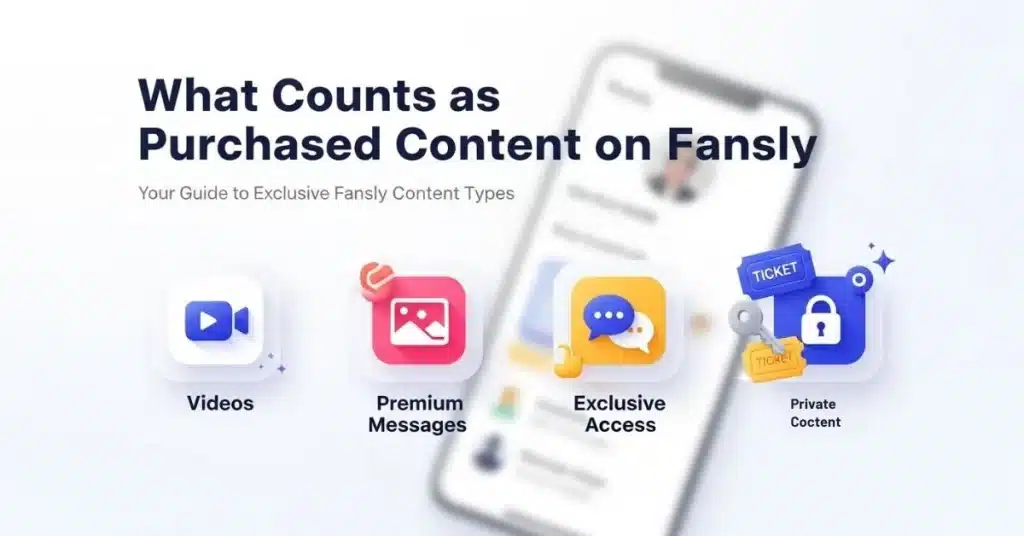
Before diving into where to find your content. It’s important to understand what types of purchases you might have made on Fansly App:
Subscription-Based Content:
- Monthly or yearly creator subscriptions
- Tier-based subscription levels
- Auto-renewing access to creator feeds
One-Time Purchases:
- Pay-per-view (PPV) messages
- Individual photos and videos
- Exclusive bundles or collections
- Tips with content rewards
- Custom content requests
Live Content:
- Recorded live streams you purchased
- Interactive session replays
- Private video calls (if recorded)
Understanding the type of content you purchased helps determine where to look for it on the platform.
How to Find Your Purchased Content on Fansly
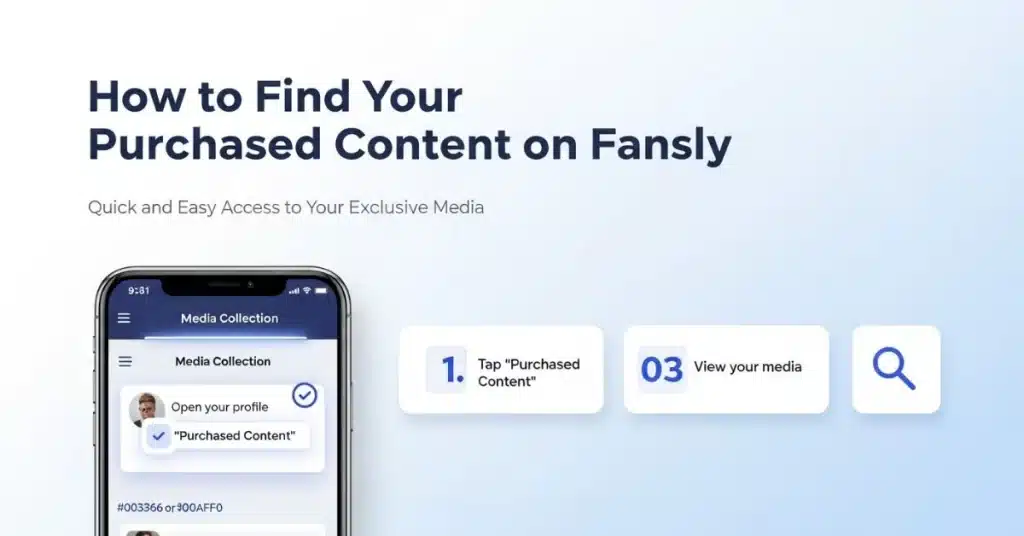
On Desktop (Browser)
Media Collection Tab
- Log in to your Fansly account at fansly.com
- Click on your profile picture in the top-right corner
- Select “Profile” from the dropdown menu
- Navigate to the “Media Collection” tab
- Browse through your purchased content organized by creator
Creator Profile Method
- Visit the creator’s profile whose content you purchased
- Look for the “Media” or “Posts” section
- Check for content marked with unlock icons (already unlocked for you)
- Scroll through their timeline to find previously purchased posts
Messages Section
- Go to your Messages (envelope icon)
- Find conversations with creators who sent PPV content
- Scroll through message history to locate purchased media
- Look for content that no longer shows payment prompts
On Mobile App
Access Your Profile
- Open the Fansly mobile app
- Tap your profile icon at the bottom right
- Select “Profile“ from the menu
Navigate to Media Collection
- Swipe to find the “Media Collection” tab
- Tap to view all purchased content
- Use filters to sort by creator or content type
- Tap any item to view full-screen
Alternative Mobile Navigation
- Go to the Home feed
- Tap the “Following” tab
- Select specific creators you’ve purchased from
- Look for unlocked content in their posts
Still Can’t Find Your Content?
If content isn’t showing up in the expected locations, try these troubleshooting steps:
Immediate Fixes:
- Refresh the page or close/reopen the app
- Log out and log back in to your account
- Clear browser cache (desktop) or app cache (mobile)
- Check your internet connection for loading issues
Account-Related Checks:
- Verify you’re logged into the correct account
- Confirm your subscription is still active
- Check if payment went through successfully
Where to View Your Fansly Purchase History
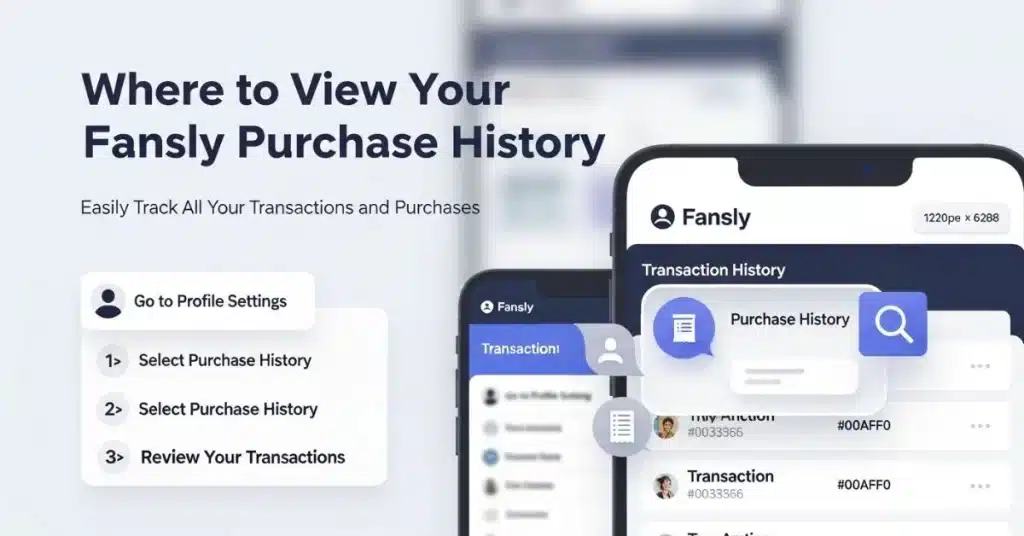
To verify what you’ve actually purchased and match it with your content:
Desktop Navigation:
- Click on your profile picture
- Select “Settings” from the dropdown
- Navigate to “Billing & Payments”
- Click “Order History” or “Transaction History”
- Review all purchases with dates and amounts
Mobile Navigation:
- Tap your profile icon
- Select “Settings”
- Tap “Billing” or “Payment History”
- View transaction details for each purchase
What to Look For:
- Transaction IDs for each purchase
- Creator names and content descriptions
- Purchase dates and amounts
- Payment status (completed, pending, failed)
Use this information to cross-reference with missing content when contacting support.
Can You Download Fansly Purchases?
Official Policy: Fansly does not provide an official download feature for purchased content. Content is meant to be viewed within the platform’s ecosystem.
Creator Options: Some creators may offer downloadable content as part of special bundles or custom requests, but this is at their discretion.
Important Warnings:
- Third-party downloaders violate Fansly’s Terms of Service
- Screen recording tools may breach content creator rights
- Saving content without permission could result in account suspension
- Legal risks exist when circumventing platform protections
Best Practice: Enjoy your purchased content within the Fansly platform as intended, respecting both the platform’s rules and creator rights.
Why Purchased Content Might Be Missing
Several legitimate reasons could explain why your purchased content isn’t visible:
Subscription Issues:
- Expired subscription – content becomes locked again
- Failed payment – subscription didn’t renew automatically
- Payment method declined – bank or card issues
- Subscription downgrade – content from higher tiers becomes inaccessible
Creator-Related Issues:
- Deleted creator account – all content becomes unavailable
- Content removal – creator deleted specific posts
- Privacy changes – creator restricted access to certain content
- Platform violations – content removed for policy violations
Technical Problems:
- Server maintenance – temporary content unavailability
- App version conflicts – outdated app causing display issues
- Browser compatibility – certain browsers not displaying content properly
- Geographic restrictions – content blocked in specific regions
What to Do If Content Is Still Missing
When you’ve tried all troubleshooting steps and the content remains missing:
Contact Fansly Support:
- Visit the Fansly Help Centre at fansly.zendesk.com
- Submit a support ticket with detailed information
- Include your transaction ID from your purchase history
- Provide creator’s name and content description
- Specify the date you made the purchase
Information to Include:
- Your account email address
- Transaction ID or order number
- Creator’s username
- Description of missing content
- Screenshots of purchase confirmation
- Any error messages you’ve encountered
Response Timeframe:
- Standard support responses: 24-48 hours
- Complex issues may take 3-5 business days
- Premium subscribers often receive priority support
Alternative Contact Methods:
- Twitter: @FanslySupport for public inquiries
- Email: Direct support email (found in help center)
- In-app chat: Available through settings menu
Frequently Asked Questions
Pro Tips for Managing Your Fansly Purchases
Stay Organized:
- Screenshot purchase confirmations for your records
- Keep track of subscription renewal dates to avoid surprises
- Follow creators on multiple platforms for backup access to their content
- Monitor your email for payment and subscription notifications
Maximize Your Investment:
- Engage with content immediately after purchase while it’s fresh
- Save favorite creators to easily find their content later
- Use subscription tiers strategically – upgrade only when you want specific content
- Set payment reminders to avoid subscription lapses
Protect Your Account:
- Use strong, unique passwords for your Fansly account
- Enable two-factor authentication for added security
- Review billing statements regularly for unauthorized charges
- Keep payment methods updated to prevent subscription interruptions
Conclusion
Finding your purchased content on Fansly should be straightforward using the Media Collection tab or by visiting creator profiles directly. When content goes missing, the issue is usually related to subscription status, payment problems, or technical glitches that can be resolved with basic troubleshooting.
Remember that Fansly’s support team is available to help when standard solutions don’t work. Always include your transaction details when contacting support for faster resolution.
The key is understanding the difference between subscription-based content (which requires active subscriptions) and one-time purchases (which typically remain accessible). By staying organized with your purchases and monitoring your account regularly, you can ensure the best possible experience on the platform.
For more Fansly guides and tips, explore our comprehensive resource library covering everything from account setup to creator strategies.